
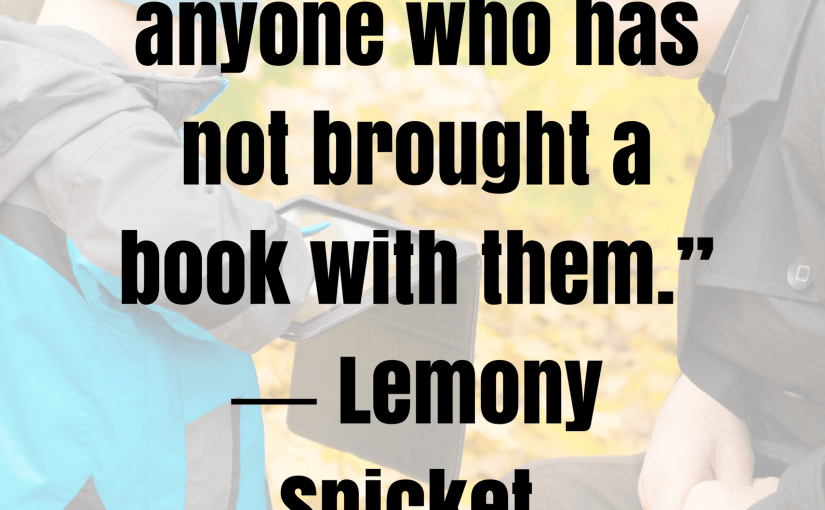
Great tips for using Canva to create great stunning graphics reblogged from Worddreams.

 No one disagrees with the importance of the visual in communicating. The problem usually is creating it. Most writers are great at wordsmithing, but not so good at matching colors, picking fonts and font sizes, and then laying everything out artistically. It’s much easier to leave the artistry for the artists. When Microsoft Publisher came out over twenty-five years ago, it was the first major desktop publishing effort to make it easy to blend layout, colors, and multimedia. Unfortunately, it was (and continues to be) an expensive piece of software not traditionally included in Microsoft’s Office Suite (though that changed with Office 365).
Say hello to Canva. It’s web-based (including apps available for iPads and Chromebooks) with a drag-and-drop functionality that makes the design process simple and intuitive. You can create professional presentations, posters, multi-page documents, marketing materials, social media graphics, and more using Canva’s more than 1 million photos…
View original post 474 more words


I enjoy using Canva, and I suppose I am more of an artist than a writer 🙂
LikeLiked by 1 person
I enjoy using it too. I love anything creative!
LikeLiked by 1 person
Me too 🙂
LikeLiked by 1 person
This sounds a very helpful tool for writers. However I would add that I believe you cannot discount the need for graphic design skills. If one is presented with a vast number of options for fonts, colours and styles, then this is where art and design talents come in. I have just paid a young graphic designer (a university friend of my daughter’s) to create a beautiful professional logo and banner for me. My daughter has graphic design skills herself, with a degree in creative media, and she has created banners for me using the software she has on her Mac. Neveretheless I feel sure many writers reading this blog will be delighted to know that the software is available for them to use, at such low cost.
LikeLiked by 1 person
Yes, my daughter is a keen photographer/media studies student so I will be using some of her photography, video skills in marketing my debut book. Canva is a great tool to use on blog posts. I use it regularly for my micropoetry posts, and for headers such as author spotlights.
LikeLike
I should try these things properly and not give up at the first hurdle. She makes it sound so simple but the phrase ‘once you know what you are doing’ is lurking in there.
LikeLiked by 1 person
I use if often particularly to house my micropoetry in a nice design format. I’ve also used it for author spotlights, etc. Once you’ve mastered the basics it tends to be addictive! It really is pretty easy to use Mary, hope you give it a whirl.
LikeLiked by 1 person
Thank you for this info Marje…I’m always interested in tools that can assist with presentation so I’ve saved the link 🙂
LikeLiked by 1 person
That’s great Janice so glad it was helpful. 🙂
LikeLiked by 1 person
Yep, it’s great … but when are they going to get it out for PC’s? … le sigh … if Scrivener can do it, so can Canva. 🙂
LikeLiked by 1 person
We are definitely spreading the Canva “word!” I’m sure Jacqui appreciates all the love 🙂
LikeLiked by 1 person
Thanks for the reblog!
LikeLiked by 1 person